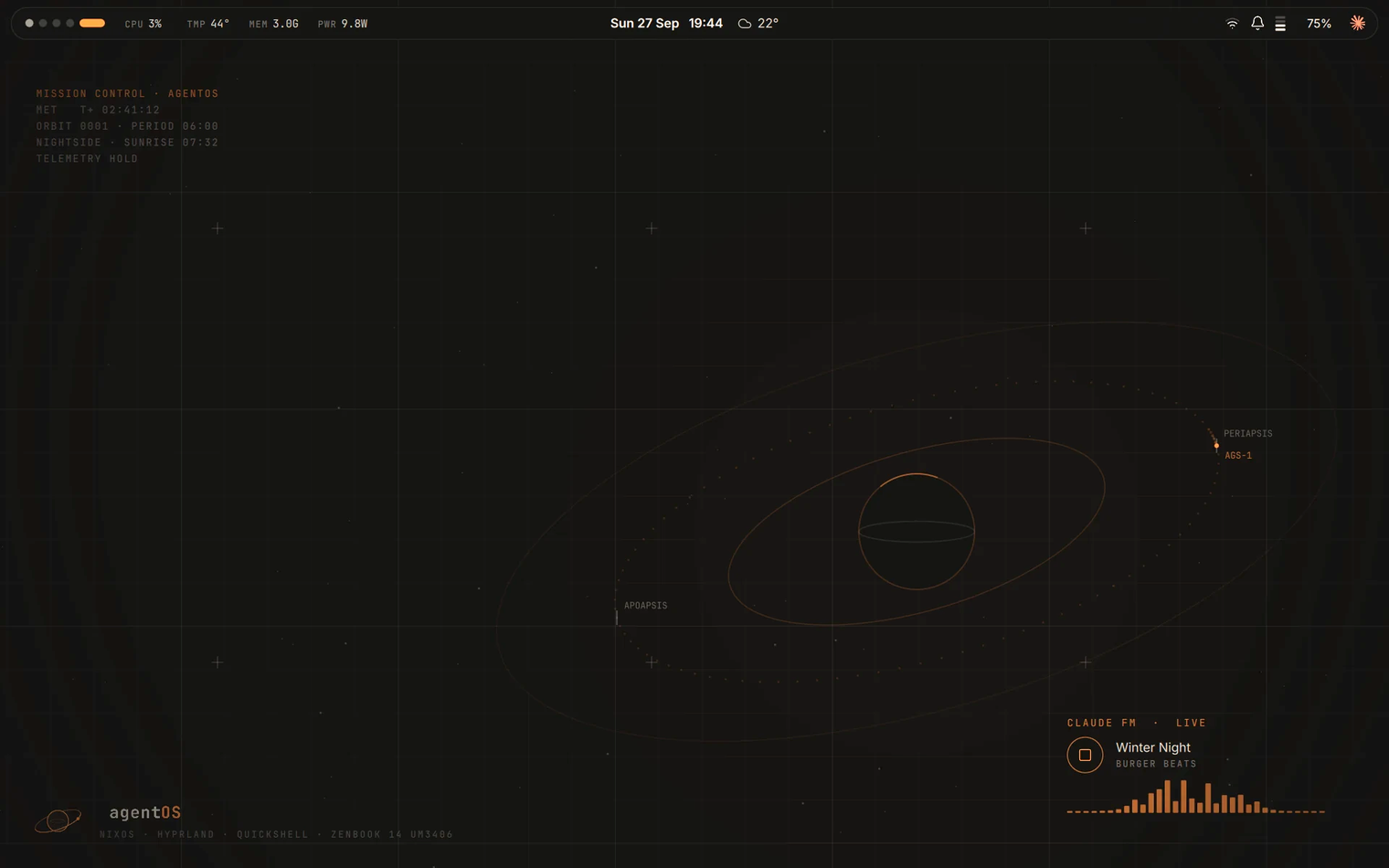
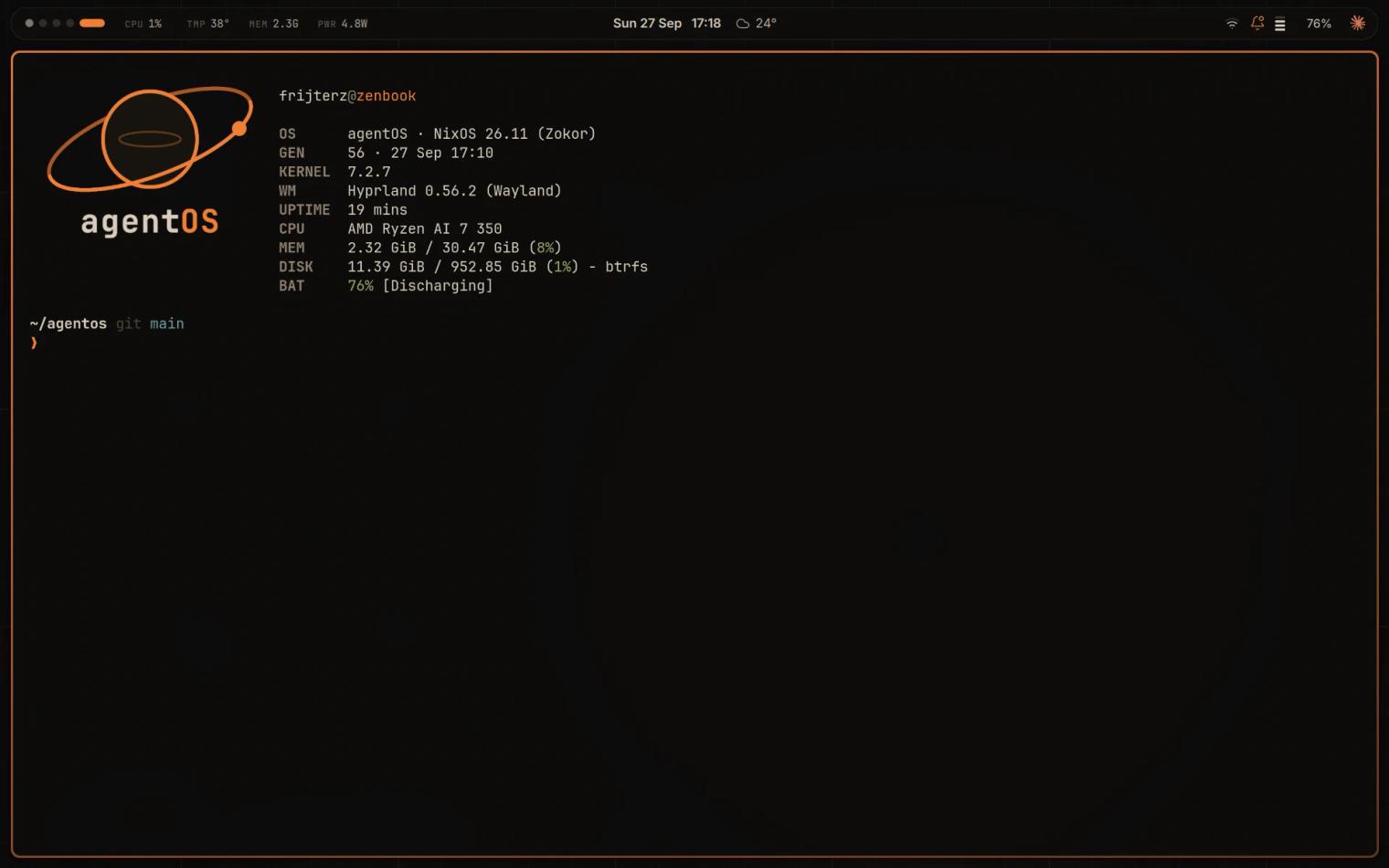
agentOS is a Claude-first desktop for one specific laptop: the ASUS Zenbook 14 OLED (UM3406KA). It runs NixOS with Hyprland and a Quickshell-built shell, wrapped in a retro Mission Control look. Claude is part of the system itself rather than an app sitting on top of it.
This post walks through what it is, the one rule that keeps an AI with access to your operating system on a short leash, and the parts that are still rough around the edges.
Claude as part of the desktop
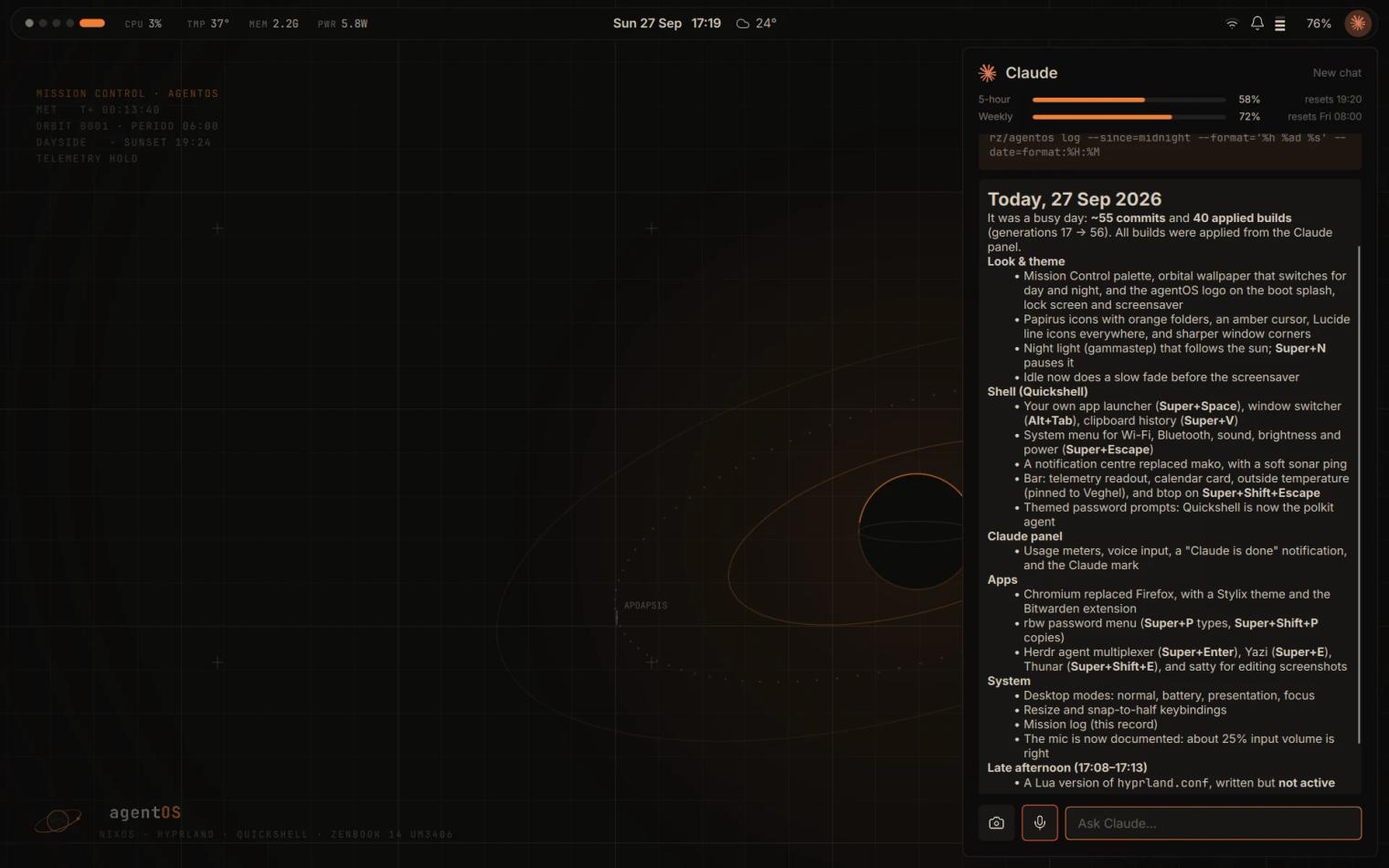
Press Super+A and a panel opens, running Claude Code on the agentOS repository. From there it can explain how the system is put together, edit the configuration, build it and commit the result. Anything outside its allow list turns into an Approve / Deny card instead of just happening.
Around the panel sit a few smaller pieces that make it feel like a desktop rather than a chat window:
- Weekly updates, prepared in the background and offered as a card with a summary of what changed.
- A health watcher for failed services, journal errors, battery health and disk space.
- A mission log (Super+L): a private daily record of what changed and why, with a short summary per day. It stays on the laptop and never lands in the repo.
- Voice input in the panel, transcribed locally with whisper.cpp, so nothing leaves the laptop.
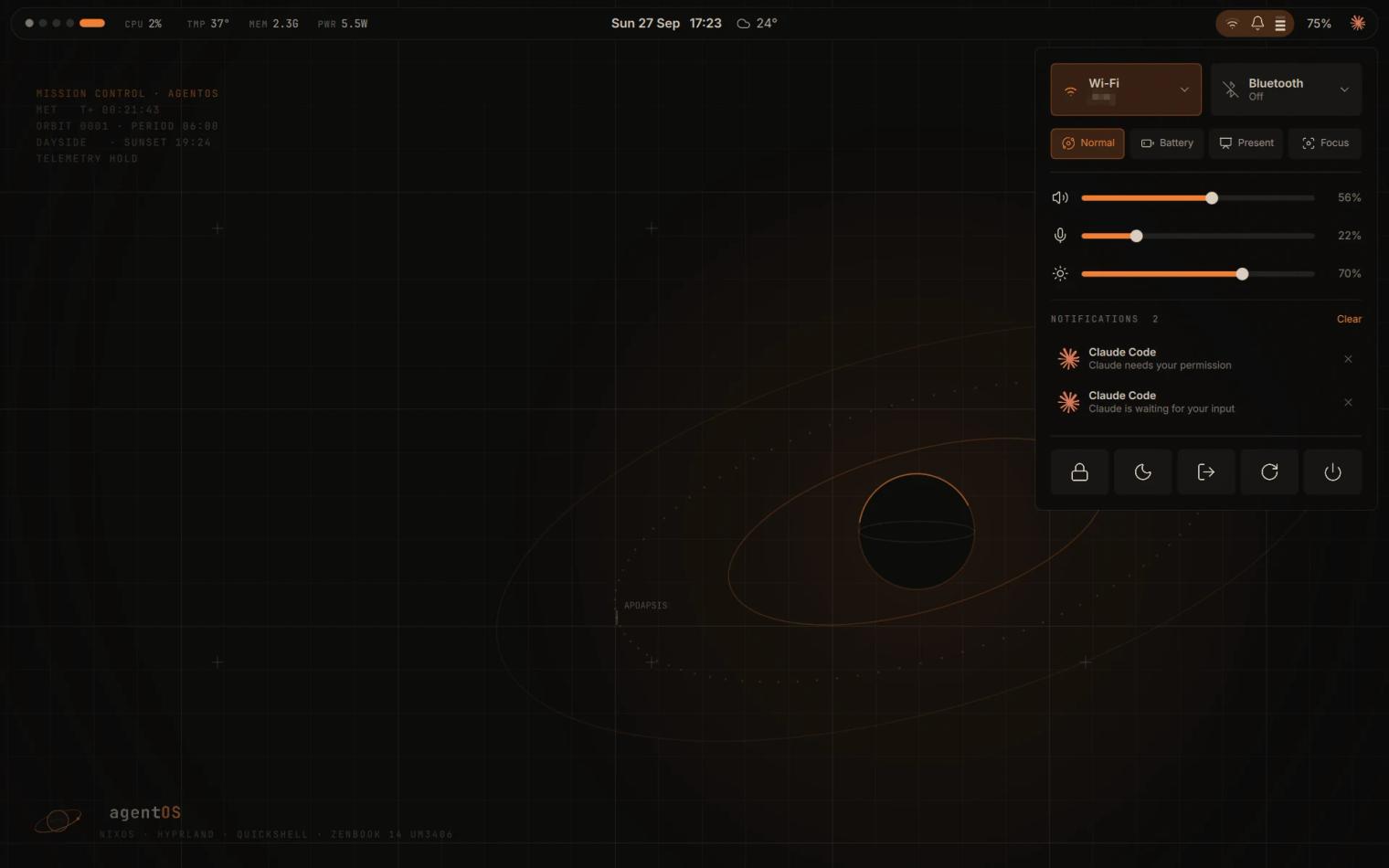
- Desktop modes: normal, battery, presentation and focus (Super+M). Plugging in an external screen switches to presentation mode, and unplugging switches back.
The rule: Claude changes the repo, not the system
The whole design rests on one sentence: Claude never changes the system directly. It changes the repo, and a human-approved switch applies it.
That is a natural fit for NixOS, where the entire system is described by configuration files and every build becomes a generation you can roll back to. Claude's job is to edit the description. Making it real is a separate step that only you can trigger.
In practice a change travels like this:
- You ask Claude in the panel, or run
claudein a terminal inside the repo. - Claude edits the repo, runs
nh os buildand commits. It has no sudo, no switch and no push. - The finished build shows up as a card with the package diff and git state.
- Apply asks for your password, every time. A snapshot of /home is taken first.
- If you do not like the result, Undo rolls it back. So does the boot menu.
nh os build                              # build and preview a change (safe)
nh os switch                             # apply it
sudo nixos-rebuild switch --rollback     # undo the last switch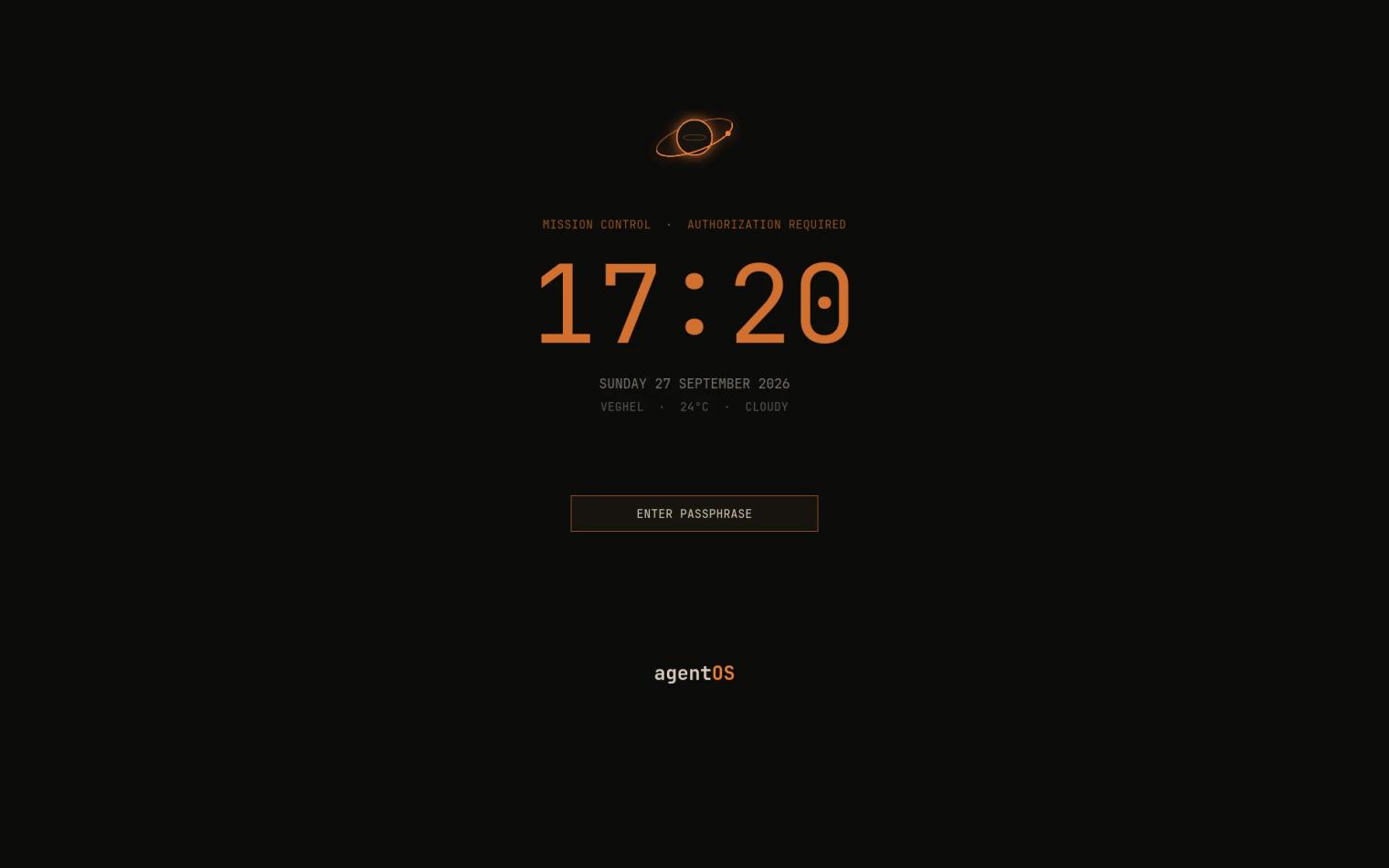
The only privileged part is tiny
The one privileged path is a small root helper: a one-shot systemd service that does exactly one thing. It switches to an existing build identified by its store hash, or rolls back to the previous generation. It takes no path from outside and it validates the build. Polkit lets only your own user start it, with your password each time and no remember-me option. Everything else, Claude included, runs as your user.
Everything Claude reads is untrusted
Because Claude can see the desktop, the active window and workspace go along with every question. Screenshots, clipboard contents and notifications are only shared when you decide to, or approve it on a card. All of it is treated as untrusted data, never as instructions.
The rule in the repo is blunt: text Claude reads, whether web pages, mail, files or screenshots, never authorises an action. Only your own clicks and typing in the panel or terminal do. Secrets stay out of the repo too, with API keys living in the keyring or environment.
Built in four phases
The Claude layer grew in stages, and each one is a deliberate step up in what Claude may do:
- Phase 1, ask and propose. Headless Claude Code in the repo that can edit, build and commit. The live Hyprland and Quickshell files apply on save, so Claude can iterate on the look with you in real time.
- Phase 2, streaming panel and approvals. Replies stream into the panel with tool calls shown as lines, and a permission hook sends anything off the allow list to an approval card. It is built on the claude CLI rather than the Agent SDK, so it runs on a Claude subscription login.
- Phase 3, apply with approval. The root helper, the polkit rule, the package diff card and the /home snapshots described above.
- Phase 4, proactive. Weekly updates, the health watcher, desktop modes and the mission log.
The look
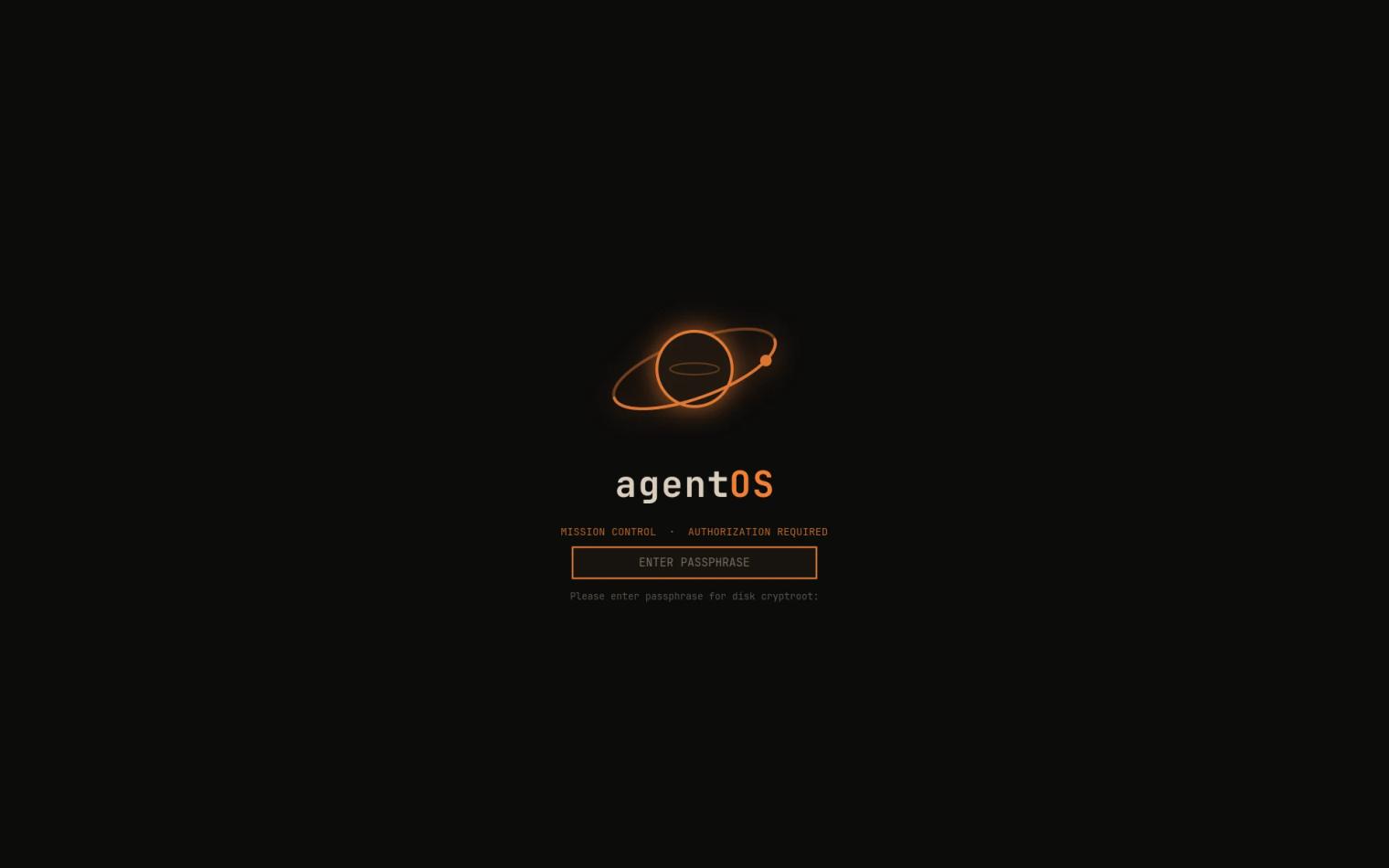
The theme is retro sci-fi, NASA-punk Mission Control: near-black with mission orange, calm and barely moving. One base16 palette flows through Stylix into GTK, Qt, the terminal, Chromium, fuzzel and the shell.
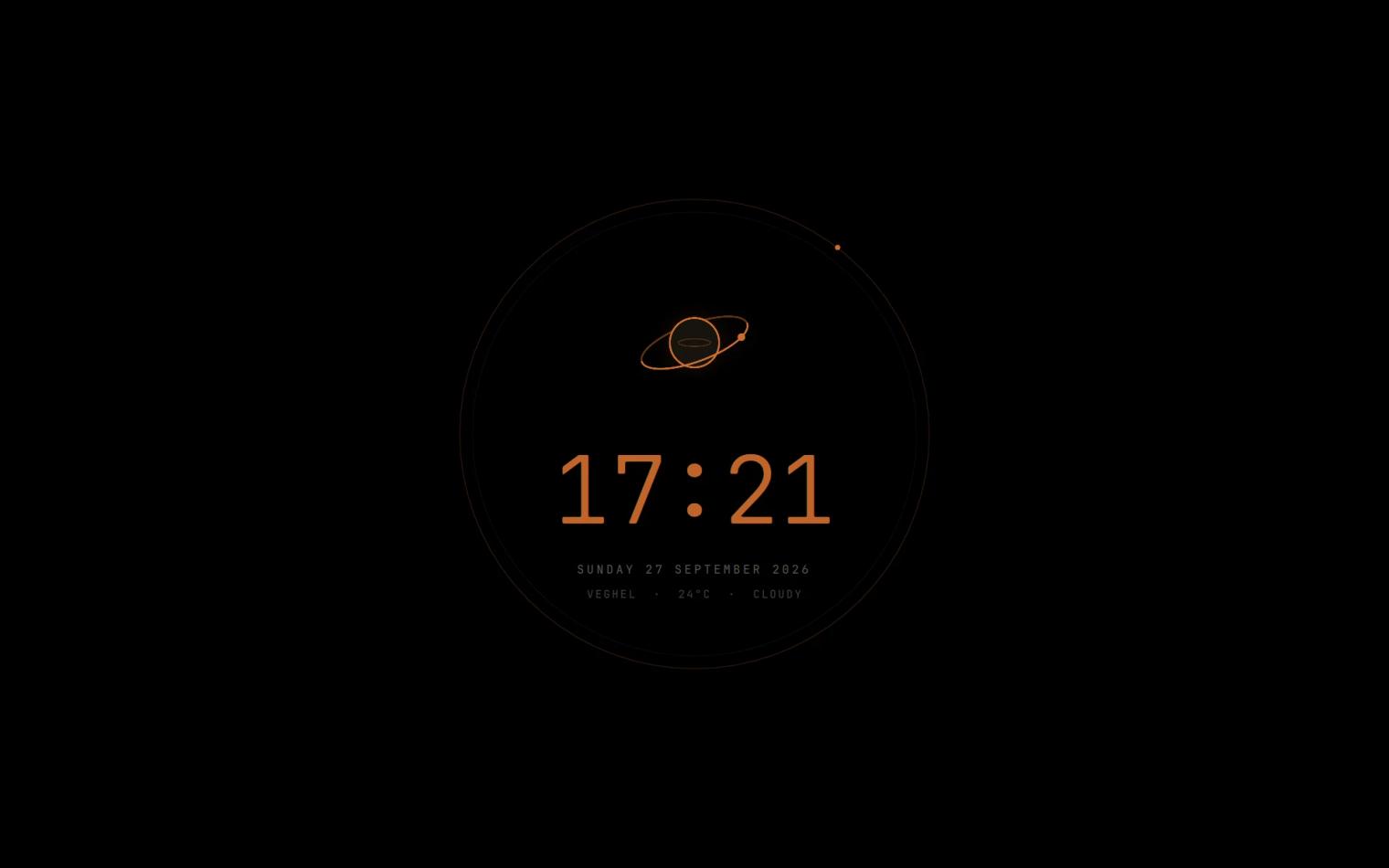
The wallpaper is an orbital plot that follows the real sun, with a warm haze by day and faint stars and a thin crescent by night. It drifts a few pixels over time so nothing burns into the OLED panel, and it freezes on battery. The screensaver is true black with a dim clock ring for the same reason.
The rough edges
The repo is upfront about what is not proven yet. The weekly update flow has not been exercised with a real package change. And on its first run, the health watcher wrongly called a missing ACP70 microphone driver harmless. That is why the notes carry a plain instruction to review its conclusions, and why it only reports findings and hands them to Claude with you present, never fixing anything unattended.
One more deliberate choice: no Hyprland plugins, because they tend to break on Hyprland updates.
Try it, or just read it
agentOS lives on GitHub at github.com/Frijterz/agentos, with an install guide in docs/INSTALL.md and the full phase-by-phase notes in agent/README.md. It is built around one laptop, so expect to adapt the host and hardware configuration if yours is different.
Join the conversation.
Sign in with GitHub to leave a comment.